How it works
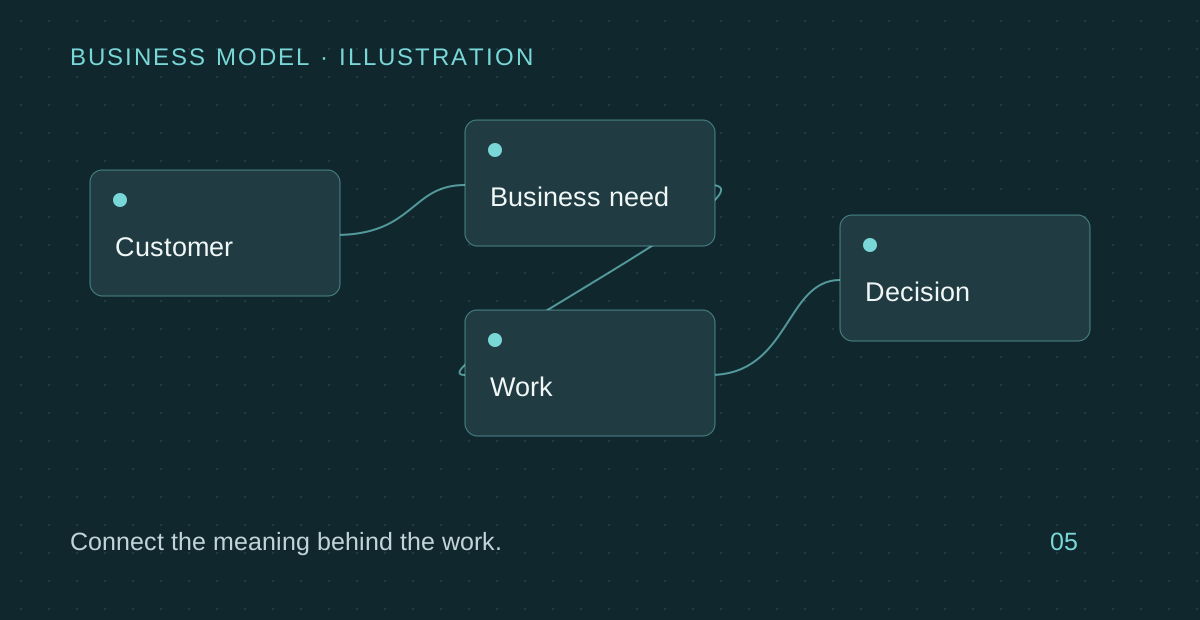
Connect customers, requirements, projects, tasks, and deliverables. Linked records make it easier to trace why work exists and which business commitment it supports.
A concrete business example
Link a customer's change request to its implementation tasks and delivery files. A manager can move from the request to the work—or from a task back to the original commitment.
How it supports people and agents
Name relationships clearly: requested by, assigned to, or supported by. Those definitions give connected agents useful context instead of an undifferentiated list of links.
Core scope and boundaries
A link records a relationship; it does not prove causation or confirm that a deliverable meets its requirements.
Start with a real case
- Choose the objects that need a relationship and name its business meaning.
- Link a small real sample and verify the direction and calculation inputs.
- Check missing links and source changes before using the summary for decisions.
Core product guide: these pages explain foundational capabilities and configurable application patterns. Integrations and the selected product release require validation. Enterprise automation, fine-grained governance and independent verification are separate scope.